Machine Party Controls
Default bindings, controller layouts, and input tips for every minigame in the facility.
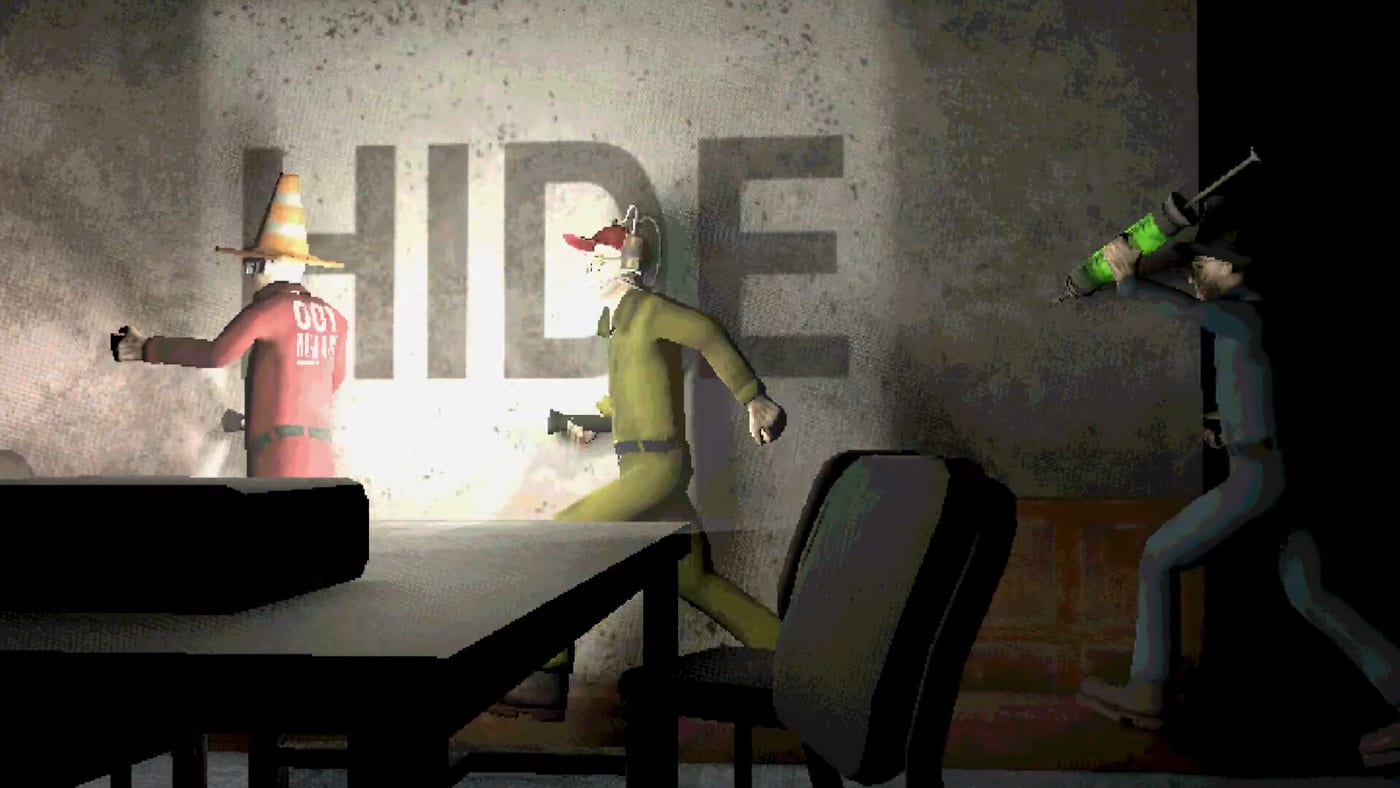
Machine Party keeps controls deliberately simple so fifteen minigames can share one muscle-memory set. Whether you play on keyboard, mouse, or a gamepad, the same move-and-interact loop carries from pea eating to minefield sprints. Mike Klubnika and GDeavid prioritize readable inputs over simulation depth — you should understand every binding within your first lobby, then spend the rest of the night dying to hazards instead of menus.
This hub links the two detailed references — keyboard and mouse and controller support — plus context for how inputs interact with minigames and multiplayer sessions.
Platform and device support at launch
Machine Party released 30 July 2026 on Steam for Windows 11 and Linux with Vulkan. The store page lists full controller support for the entire game, not just menus. Keyboard and mouse remain the PC default; most minigames expect digital movement on WASD or left stick, with interact on a single confirm button.
Steam Deck compatibility was not fully rated pre-launch, but Linux builds suggest handheld testing is viable once Proton or native binaries stabilize. Check guides after major patches for Deck-specific notes.
Shared actions across all minigames
Although individual modes add context prompts, these actions appear everywhere:
| Action | Keyboard default | Controller default |
|---|---|---|
| Move | WASD | Left stick |
| Look / aim camera | Mouse | Right stick |
| Interact / use | E (typical) | Face button south |
| Sprint (where enabled) | Shift | Left stick click or shoulder |
| Pause / menu | Esc | Start / Options |
Exact labels may differ slightly in the in-game rebinding screen; treat the table as community-verified launch defaults until Oro Interactive publishes official PDFs.
Why one binding scheme matters
Party compilations often remap every game, forcing players to re-read tutorials. Machine Party avoids that friction so transitions stay under a few seconds — consistent with Klubnika’s stated goal of cutting downtime. When a buzz-saw round ends and firearm assembly begins, your interact key still confirms grabs; only the camera framing changes.
That design helps achievement runners chain fifteen wins without remapping fatigue. It also makes tier list debates about skill fairer: hardware switches aside, everyone shares the same input ceiling.
Rebinding and accessibility
Steam Input lets controller users layer gyro, paddles, and per-game profiles. Keyboard players should open Settings from the title menu before joining online lobbies — rebinding mid-match is possible but rude to three waiting friends.
If you need larger UI text or colorblind aids, scan guides for graphics toggles verified on day-one builds. Machine Party’s harsh palette can obscure minefield tiles; contrast tweaks are accessibility, not cheating.
Mode-specific input highlights
- Reflex modes — digital strafing beats analog drift; see reflex challenges.
- Precision modes — camera control wins shape matching; see assembly and precision.
- Social modes — proximity collisions use movement, not separate shove keys; see social deception.
Multiplayer and input lag
Online co-op for two to four players means inputs travel through Steam networking. High ping affects sniper dodge more than pea eating. Host the lobby on the most stable connection in your group; details sit in the multiplayer guide.
Use wired controllers or keyboards when possible — Bluetooth dropouts during steamroller sprints end friendships.
Where to read next
- Keyboard and mouse — PC defaults, rebinding, and mode-by-mode tips.
- Controller support — gamepad layouts, Steam Input, and couch play.
- All minigames — roster overview tying controls to each mode.
- Getting started — install, first launch, and lobby creation.
Frequently Asked Questions
Quick answers to the most common questions.
Does Machine Party have full controller support?
Yes. Steam lists full controller support for the entire game, including all fifteen minigames, not just front-end menus.
Can I rebind keyboard keys in Machine Party?
PC builds include a settings menu for remapping movement, interact, and menu keys. Change bindings before joining public lobbies to avoid holding up other players.
Are controls the same in every minigame?
Core move and interact bindings stay consistent. Some modes add contextual prompts on screen, but you do not learn a new scheme per game.
What input device is best for Machine Party?
Keyboard and mouse excel in sniper and shape-matching modes; controllers feel natural for sprint-heavy chases. Many groups mix devices in the same lobby.