Machine Party Keyboard and Mouse Controls
PC default bindings, rebinding steps, and per-minigame tips for mouse users.
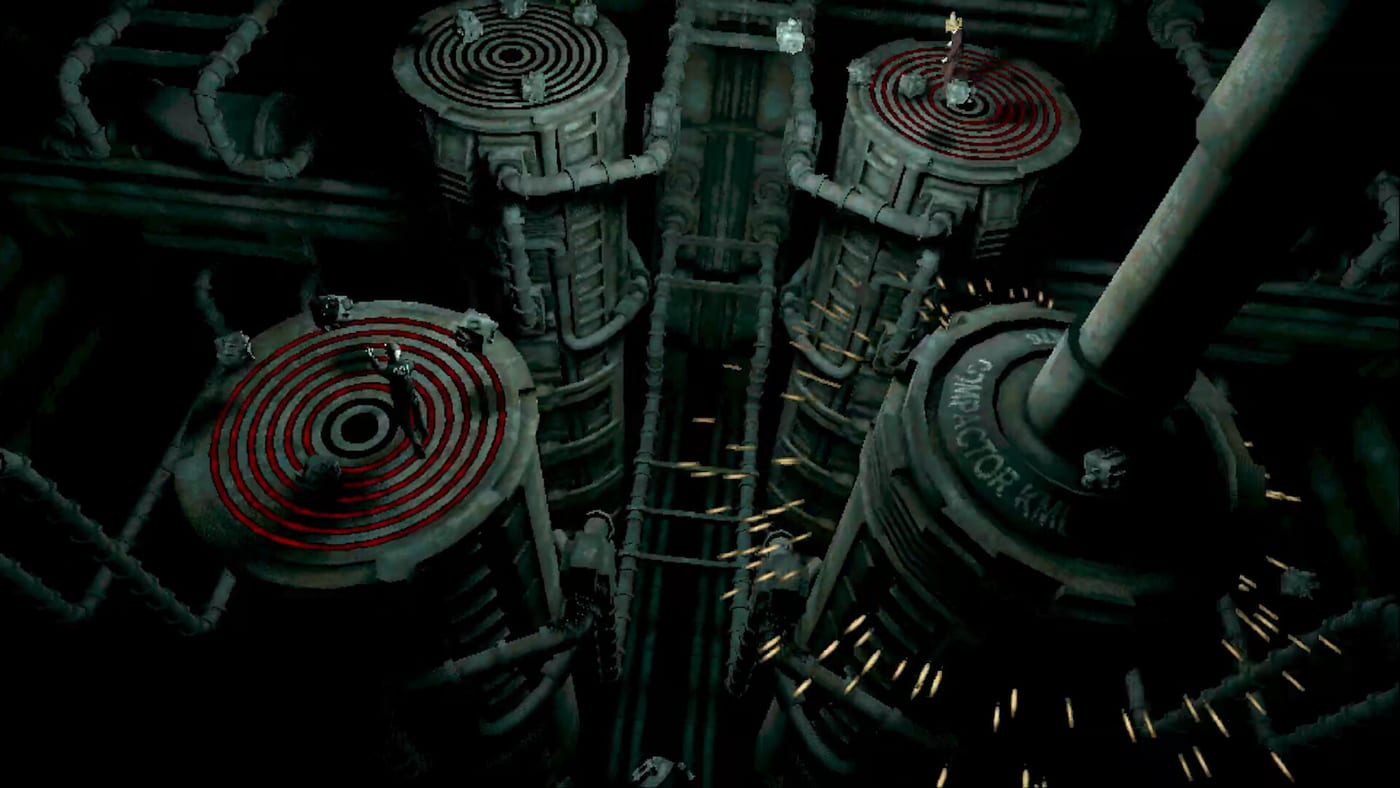
Keyboard and mouse remain the default control scheme for Machine Party on Steam. The layout mirrors other Mike Klubnika PC titles: WASD movement, mouse look, and a single interact key carried across all fifteen minigames. You should never hunt for a new binding when the facility swaps pea eating for minefield sprints — only the on-screen prompt changes.
Read this page alongside controller support if your lobby mixes devices, and keep the all minigames list open when learning mode-specific camera tricks.
Default keyboard bindings
Launch builds on Windows 11 and Linux (Vulkan) ship with conventional FPS-party hybrid defaults:
| Action | Default key | Notes |
|---|---|---|
| Move forward / back / strafe | W A S D | Digital movement; no auto-run toggle in most modes |
| Sprint | Left Shift | Available in steamroller, escalator, and minefield modes |
| Interact / grab / use | E | Confirms picks in firearm assembly race and other factory tasks |
| Jump / vault | Space | Used on escalator and certain obstacle gaps when enabled |
| Crouch | Left Ctrl | Optional in sniper dodge for smaller hitboxes if implemented |
| Pause menu | Esc | Opens settings and rebinding |
| Push-to-talk | Not bound | Use Steam overlay or Discord; no in-game VOIP assumed |
Mouse defaults follow standard PC conventions: look with movement, left click for primary confirm where modes map clicks to interact, right click for secondary camera hold if supported.
Rebinding walkthrough
- From the title screen, open Settings then Controls.
- Select the action (Move, Interact, Sprint) and press the new key.
- Confirm conflicts — interact should not share keys with menu pause.
- Test in a private lobby running pea eating before joining friends.
Steam Cloud may sync bindings across PCs; verify locally after OS keyboard layout changes (AZERTY, QWERTZ).
Mouse sensitivity and camera control
Precision modes — especially shape match gatling and rock chiseling — reward stable low sensitivity. Reflex modes — buzz saws and sniper dodge — benefit from slightly higher sensitivity for quick 180-degree reads.
Suggested approach: one moderate sensitivity with muscle-memory camera resets using center mouse if the game supports recenter. Disable excessive mouse acceleration in Windows or KDE settings; inconsistent accel makes blade gap timing unreliable.
Mode-by-mode keyboard tips
Reflex and survival
- Buzz saw room: strafe on A/D instead of backward S when blades approach head-on.
- Minefield: tap movement keys rather than holding diagonals; overshoot triggers adjacent mines.
- Sniper dodge: zig-zag on W+A / W+D alternation; predictable straight lines die first.
- Train dodge: pre-hover fingers over movement keys near doors; interact may confirm entries.
Full lists live on reflex challenges.
Assembly and precision
- Shape match / gatling gun: use mouse to orbit sculptures; keyboard strafe fine-tunes block placement.
- Firearm assembly race: spam-proof E presses — wait for grab animations to finish.
- Rock chiseling: short tap inputs on E; hold only when the template needs power cuts.
See assembly and precision for advanced routing.
Social and interference
Collision shoves use movement, not a dedicated key. Sprint into rivals near buzz-saw edges only when you are closer to safety — details on social deception.
Multiplayer etiquette
Keyboard players often react faster in sniper modes, which can feel unfair in mixed lobbies. Agree on house rules or rotate mode types using the tier list. For online co-op, crouch Ethernet cables and disable wireless keyboard sleep; input drops during multiplayer sessions cause more losses than skill gaps.
Linux-specific notes
Native Linux builds require Vulkan. Wayland sessions may need compositor tweaks for mouse capture; if look drift appears, switch to X11 or verify desktop environment mouse settings. Controller users on the same couch can stay on gamepad while one Linux host uses keyboard — see controls hub.
Achievement and grind sessions
Fifteen achievements map closely to minigame wins. Keyboard users grinding consecutive precision modes should stretch hands between firearm assembly and rock chiseling rounds — repetitive E spam causes fatigue errors. Alternate with reflex modes to reset focus.
Related pages
- Controller support — full gamepad layouts and Steam Input.
- Controls hub — overview comparing devices.
- Guides — first launch and graphics settings.
- Getting started — installing on Steam and inviting friends.
Frequently Asked Questions
Quick answers to the most common questions.
What are the default keyboard controls in Machine Party?
Expect WASD movement, mouse look, E for interact, Shift to sprint where enabled, Space for jump or vault in applicable modes, and Esc for the pause menu.
Is keyboard better than controller for Machine Party?
Keyboard and mouse excel in sniper dodge and shape matching thanks to fast camera control. Controllers feel strong in sprint-heavy chases. Many lobbies mix both.
Can I use AZERTY or other keyboard layouts?
Yes through Steam and in-game rebinding. Re-test interact and sprint keys after switching OS layout profiles.
Does Machine Party support mouse-only menus?
PC menus are navigable with mouse and keyboard. Controllers also work in UI per Steam's full controller support flag.