Machine Party Troubleshooting
Black screen fixes, room codes, join timeouts, and where to report bugs
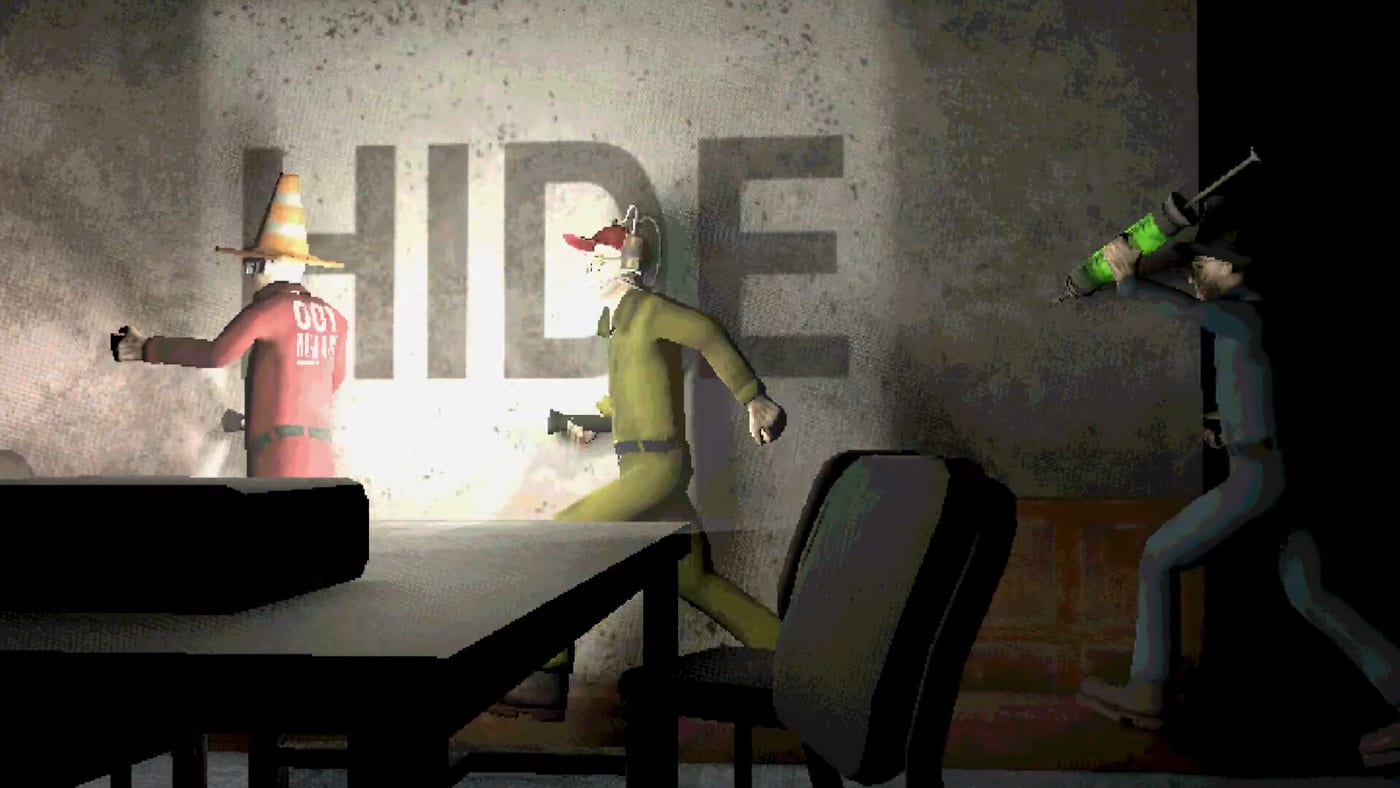
Machine Party launched on Steam July 30, 2026 to Very Positive reviews, but launch week also surfaced real technical friction: black screens on boot, join timeouts between friends, no rejoin after crashes, and a Steam Deck room-code paste bug. None of that means the game is broken for everyone — many groups played full one-hour sessions without drama — yet the facility punishes wasted lobby time harder than most party titles because there is no matchmaking, no public lobby browser, and no bots to fill empty seats. You need working graphics, stable networking, and an 18-digit room code from someone you already know.
This guide collects verified launch-week workarounds, points to deeper setup pages, and explains how Oro Interactive wants bug reports filed. Read it before you refund over a fixable renderer flag or spend an hour hunting randoms in menus that do not exist.
Black screen on launch — official and community fixes
The headline launch bug is a black screen after boot: music plays, UI hover sounds work, the cursor changes to the in-game pointer, but nothing renders. Reinstalling and verifying game files rarely helps because the root cause is usually a Vulkan rendering-path failure on affected hardware — ironic given Steam lists Vulkan as a Linux requirement, but Windows players hit it too.
Official temporary fix (pinned by developers on day two): right-click Machine Party in your Steam library → Properties → Launch Options → add:
--rendering-driver d3d12That flag comes from the pinned Steam discussion thread titled along the lines of “Temporary fix for graphical issues.” The developers confirmed they are investigating and working on a more stable patch — v1.0.7 did not include graphics fixes; see Patch 1.0.7 for what shipped August 1.
Community alternative (multiple player confirmations, predates the official flag): if d3d12 fails on your GPU, swap the launch option for:
--rendering-driver opengl3Both flags force the Godot client off its default renderer onto DirectX 12 or OpenGL 3. Try d3d12 first, then opengl3. One reported side effect under opengl3: the Duck Hunt sniper view rendered pure white for a single player — switching back to d3d12 was the suggested next step.
If both flags fail: a full graphics-driver reinstall fixed launch crashes for at least one GTX 1060 player per community guides. Dual-GPU laptops (discrete plus integrated) may still exit silently — mention both GPUs when filing the official form below.
Mid-session black screens are a separate variant: at least three independent reports describe the game going black after several minigames with no way to continue. No confirmed workaround yet; treat this as a report-worthy bug rather than a settings tweak. Cross-check system requirements if you suspect thermal throttling on older hardware.
Join timeouts and connection failures
Launch-week threads document friends who cannot join each other’s sessions: a brief loading bar, then an instant “time out” or “Failed to join. The connection timed out” message — sometimes in both directions, sometimes even when the joiner hosts instead. No developer reply or documented fix exists as of early August.
Practical steps worth trying before you give up:
- Confirm both players are on the same game build (Steam auto-updates; force verify if one side skipped v1.0.7).
- Restart Steam on both machines and re-copy the full 18-digit room code — partial codes fail silently.
- Disable VPN on one side for a test round.
- Switch who hosts; some groups report only one direction works.
- Walk through lobby setup from scratch rather than reusing stale codes from a crashed session.
If timeouts persist, file a report through the official channel (below) with both players’ regions, NAT type if known, and whether the failure happens hosting or joining.
No rejoin after a crash
If Machine Party crashes mid-session, there is no rejoin button for the run in progress. Your group either restarts the entire playlist from the lobby or the disconnected player sits out the remaining minigames — painful when a full fifteen-mode pass runs roughly 50–60 minutes. Community threads explicitly request a rejoin feature; Oro Interactive has not responded yet.
Mitigation for crash-prone setups:
- Apply the black-screen launch options before game night.
- Host on the most stable wired PC in the group.
- Treat any disconnect as a group decision: reform the lobby with a fresh room code rather than assuming the old session still exists.
Steam Deck and SteamOS: room-code paste blocked
Machine Party is Steam Deck Verified and runs well once you are inside a session, but joining from SteamOS gaming mode is the rough edge. Multiple independent reports — including launch reviews — say the copy-room-ID flow does not work in gaming mode, and there is no manual text field to type an 18-digit code. Until Oro Interactive patches visible on-screen codes or keyboard entry, Deck-only players may need desktop mode to paste a code from Discord or Steam chat, or rely on a friend sending a Steam invite overlay instead of a raw code.
Full Deck guidance — including the same --rendering-driver d3d12 launch option and Vulkan notes — lives on Steam Deck & Linux.
No matchmaking — how to actually find players
This is the loudest non-bug complaint of launch week. Machine Party offers only private lobbies via 18-digit room codes. There is no quick match, no server browser, no AI fillers, and no in-game voice or text chat. Every player needs their own Steam copy; there is no solo mode to practice alone.
If your friend group is incomplete, the community improvised:
- Steam Discussions LFG threads — the discussion board functions as a de facto public lobby with hundreds of “join up” posts sharing live room codes. Search the Machine Party Steam community hub for looking-for-group threads; codes expire quickly, so refresh often.
- Community-run Discord servers — several appeared within days of launch. We do not hard-link invite URLs here because they rot fast; find current servers through Steam discussion posts and community guides.
- Publisher-adjacent communities — some players report filling lobbies through Buckshot Roulette publisher channels, though that is unofficial.
Remember: anyone with your room code can join. Treat stranger lobbies like open doors — fun for chaos, thin on moderation. For invite flow details, read How to Invite Friends.
v1.0.7 and what comes next
The first post-launch hotfix v1.0.7 landed August 1, 2026. It corrected translation credit errors for Estonian, Finnish, and Swedish — not gameplay or graphics. The Steam announcement’s important line: developers are working toward the next patch addressing gameplay and graphics reports, including the black-screen family of issues. Full notes: Patch 1.0.7.
Track future builds on the updates hub and launch notes.
Where to report bugs officially
Oro Interactive pinned a “Bugs & Issues — Report them here” thread on launch eve pointing to a Google Form linked from Steam discussions. The publisher committed that fixes and updates will be shared via Steam posts — v1.0.7 proved that pipeline works. Use the form for reproducible issues (black screens, join timeouts, Deck paste failure, input bugs in modes like Recycling) rather than only venting in review text.
Include OS, GPU, Proton version if on Deck, which launch-option flags you tried, and whether the bug hits at boot or mid-session.
Quick diagnostic checklist
| Symptom | First try | Deep dive |
|---|---|---|
| Black screen at boot | --rendering-driver d3d12 in Steam launch options | Swap to opengl3; update GPU drivers |
| Cannot join friend | Fresh 18-digit code, same patch, restart Steam | Lobby setup |
| Crashed mid-run | Re-host new lobby; no rejoin exists | Apply boot fixes before next night |
| Deck cannot paste code | Desktop mode or Steam invite | Steam Deck & Linux |
| Need a fourth player | Steam Discussions LFG | Multiplayer hub |
Related pages
- Lobby setup — hosting, room codes, and session flow
- Steam Deck & Linux — Deck Verified status and launch options
- Updates hub — patch tracking beyond v1.0.7
- Patch 1.0.7 — August 1 hotfix details
- System requirements — Vulkan, RAM, and GPU floors
- How to invite friends — filling a 2–4 player lobby
Launch-week Machine Party is absolutely playable once you clear the renderer hurdle and accept room-code multiplayer. Fix graphics first, copy codes carefully, and report what remains broken so the next patch after v1.0.7 has real player data to work from.
Frequently Asked Questions
Quick answers to the most common questions.
What is the official Machine Party black screen fix?
Add `--rendering-driver d3d12` to Steam launch options (Properties → Launch Options). If that fails, try `--rendering-driver opengl3`. Details on this troubleshooting page.
Does Machine Party have matchmaking?
No. You join only via 18-digit room codes from a host. There is no public lobby browser, matchmaking queue, or bots. Use Steam Discussions LFG threads to find strangers.
Can I rejoin after a crash?
Not at launch. Mid-session crashes end your participation in that run. Re-form the lobby with a new room code and restart the playlist.
Why can't I paste room codes on Steam Deck?
SteamOS gaming mode reports broken copy-paste for room IDs with no manual entry field. Use desktop mode, a Steam invite, or wait for a patch. See [Steam Deck & Linux](/guides/steam-deck-linux/).
What did Machine Party patch 1.0.7 fix?
Translation credits for Estonian, Finnish, and Swedish. Gameplay and graphics fixes are promised for the next patch — see [Patch 1.0.7](/updates/patch-1-0-7/).
Where do I report Machine Party bugs?
Use the Google Form linked from the pinned Steam discussion thread "Bugs & Issues — Report them here." Fixes arrive via Steam news posts.