Machine Party How to Invite Friends
Fill a 2-4 player Machine Party lobby on Steam
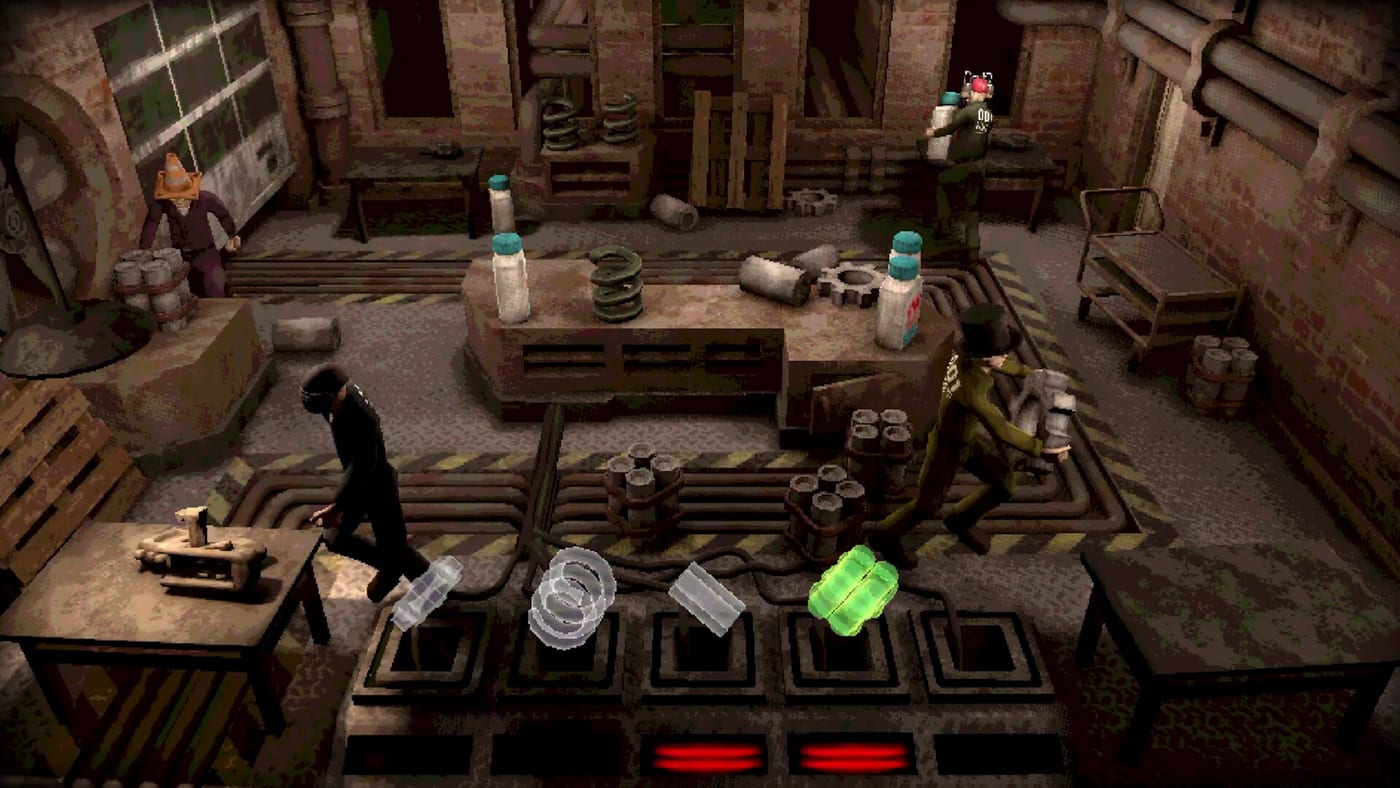
Machine Party only shines with other test subjects in the room. Mike Klubnika and GDeavid built the game around online co-op for two to four players, and Oro Interactive ships it as a standard Steam title (app 4108000). There is no matchmaking, no public lobby browser, and no bots — you fill lobbies with 18-digit room codes or Steam invites. If you bought Machine Party planning a solo evening, you will spend most of your time in menus. This guide walks through reliable ways to invite friends, share room codes, and fix the connection problems that kill party night before Firearm Factory spins up.
What You Need Before Sending Invites
Every player needs a Steam account, the game installed, and a connection stable enough for small-session netcode. Machine Party’s requirements are modest—8 GB RAM, roughly 1 GB storage, Windows 11 or Linux with Vulkan—but network issues and join timeouts cause more failed lobbies than hardware ever does.
The host should launch the game first, reach the main menu, and open the multiplayer panel. Confirm your Steam status is Online, not Invisible. Friends cannot join invites from an invisible profile unless you manually send a direct request.
If anyone boots to a black screen, stop here and send them to Troubleshooting for the --rendering-driver d3d12 launch option before wasting room codes.
If your group is new to the game entirely, have one person read How to Play while others install. Parallel installs beat waiting in an empty lobby.
Hosting a Machine Party Session
Hosting is the most dependable path for four-player nights:
- Launch Machine Party from your Steam library.
- Open the multiplayer or lobby screen from the main menu.
- Choose Host Session.
- Copy the 18-digit room code the lobby displays — send the full string, not a partial paste.
- Wait until your test subject appears in the lobby preview—customize first via How to Customize if you want a recognizable look.
- Share the room code or send Steam invites before starting the minigame carousel.
Privacy settings matter less when there is no public browser — anyone with the code can join. Share codes only with people you want in the facility.
Once two to four players appear in the slot list, the host can start. Do not rush at one player; many minigames assume rivalry and need at least two active competitors. Duos work, but a full quartet maximizes sabotage potential described in How to Sabotage Friends.
Room codes versus Steam overlay invites
Room codes are the universal join method:
- Host copies the 18-digit code from the lobby UI.
- Guests select Join Session and paste the entire code.
- Works across Discord, text, and voice — as long as everyone is on the same game patch.
Steam overlay invites are faster when networking cooperates:
- Press Shift + Tab in-game to open the overlay.
- Navigate to Friends and select online contacts.
- Choose Invite to Game while your hosted lobby is open.
Friends receive a join notification. Accepting should attach them directly to your session. If they land in the main menu instead, ask them to paste the room code manually or right-click your profile in Steam and choose Join Game.
For groups that already voice chat on Discord, still share the room code as backup. Discord tells people where to talk; the code tells the client where to connect when invites fail.
Joining as a Guest
If you are not hosting:
- Accept the Steam invite popup, paste the host’s room code into Join Session, or right-click the host in your friends list and select Join Game.
- Wait for the lobby load screen. First join after a patch may take longer while shaders compile.
- Confirm your controller or keyboard on Controls before the host starts—rebinding mid-carousel is awkward.
- Use lobby idle time to test mic levels and agree on sabotage rules.
Steam Deck users: paste may fail in gaming mode — try desktop mode or a Steam invite. Details on Steam Deck & Linux.
Guests cannot start the minigame sequence unless the host transfers host privileges. Assume the purchaser hosts unless you agree otherwise.
Finding a fourth player without matchmaking
If you only have two or three friends, browse Steam Discussions for Machine Party looking-for-group threads sharing live room codes. Community-run Discords also advertise open lobbies — find current servers through discussion posts rather than expired invite links. See Troubleshooting for the full picture on playing with strangers.
Player Count: Two, Three, or Four?
| Players | Experience |
|---|---|
| 2 | Fast queues, intense rivalry, some minigames feel sparse |
| 3 | Strong balance of chaos and readability |
| 4 | Maximum sabotage, hazard pile-ups, best for party nights |
Online co-op caps at four. If a fifth friend buys the game, rotate seats each session or split into two groups. See Multiplayer for long-term group management ideas.
Troubleshooting Failed Invites
Invite sent but friend sees nothing — Verify they own Machine Party on the same Steam account, are Online, and are on the same patch. Restart both clients if Steam friends list desyncs.
Join Game greyed out / join timeout — The host likely closed the lobby, the game updated on one side only, or networking failed mid-handshake. Re-host with a fresh room code and confirm versions on Updates. Persistent timeouts have no documented fix yet — see Troubleshooting.
Connected then immediate disconnect — Check firewall rules for Steam, disable VPN on one side for testing, and verify neither player is downloading large updates mid-session. Remember: no rejoin after crash — reform the lobby.
Linux guest on Windows host fails — Confirm the Linux player uses a supported Vulkan path and updated GPU drivers. Mixed OS lobbies generally work, but driver issues mimic network drops.
NAT or university network blocks — Steam relay usually handles this, but captive portals and dorm Wi-Fi may still fail. Mobile hotspot tests isolate the culprit quickly.
Document recurring fixes on Updates if a patch changes lobby behavior.
Remote Friends and Time Zones
Machine Party sessions are short, which helps international groups. Schedule a ninety-minute window, share the room code ten minutes early, and run one warm-up minigame before competitive sabotage kicks in. Latency affects Duck Hunt and Minefield more than Table Manners; Facility Survival Tips covers play adjustments when ping is high.
Party Night Checklist
Use this before every hosted session:
- Host online with lobby open and room code copied
- All players on same game version (Steam auto-updates)
- Black-screen launch options applied if needed (Troubleshooting)
- Voice or text channel ready
- Controllers charged if applicable
- How to Play reviewed by newcomers
- Achievements hunter notified of planned mode rotation
After Everyone Arrives
Start with a low-stakes minigame so stragglers can join between rounds if your lobby allows mid-session entry. Transition into meaner modes once all four slots fill. When the night ends, screenshot the scoreboard for bragging rights and note any modes your group wants to practice next time—cross-reference Minigames and Tier List for planning.
Reliable room codes are the foundation of Machine Party fun. Nail the lobby, and the facility handles the rest.
Frequently Asked Questions
Quick answers to the most common questions.
How many friends can join a Machine Party lobby?
Online co-op supports two to four players total. You cannot raise that cap; plan rotations if more friends own the game.
Do friends need Machine Party to accept an invite?
Yes. Every participant needs a Steam copy installed. Remote play streaming is not the intended experience for reflex minigames.
Can I invite non-Steam friends?
Invites flow through Steam friends. Non-Steam players must create an account, add you, and purchase the game on Steam app 4108000.
Why does Join Game stay disabled?
Usually the host is not in an active lobby, the game updated on one side only, or join timed out. Re-host with a fresh room code and confirm versions on [Updates](/updates/). See [Troubleshooting](/guides/troubleshooting/) for persistent timeouts.
Should the host use wired internet?
Wired connections reduce disconnects when hosting four-player sessions with voice chat running alongside Steam netcode.