Machine Party Remote Play Together Workarounds
One-PC living-room play before native local co-op ships
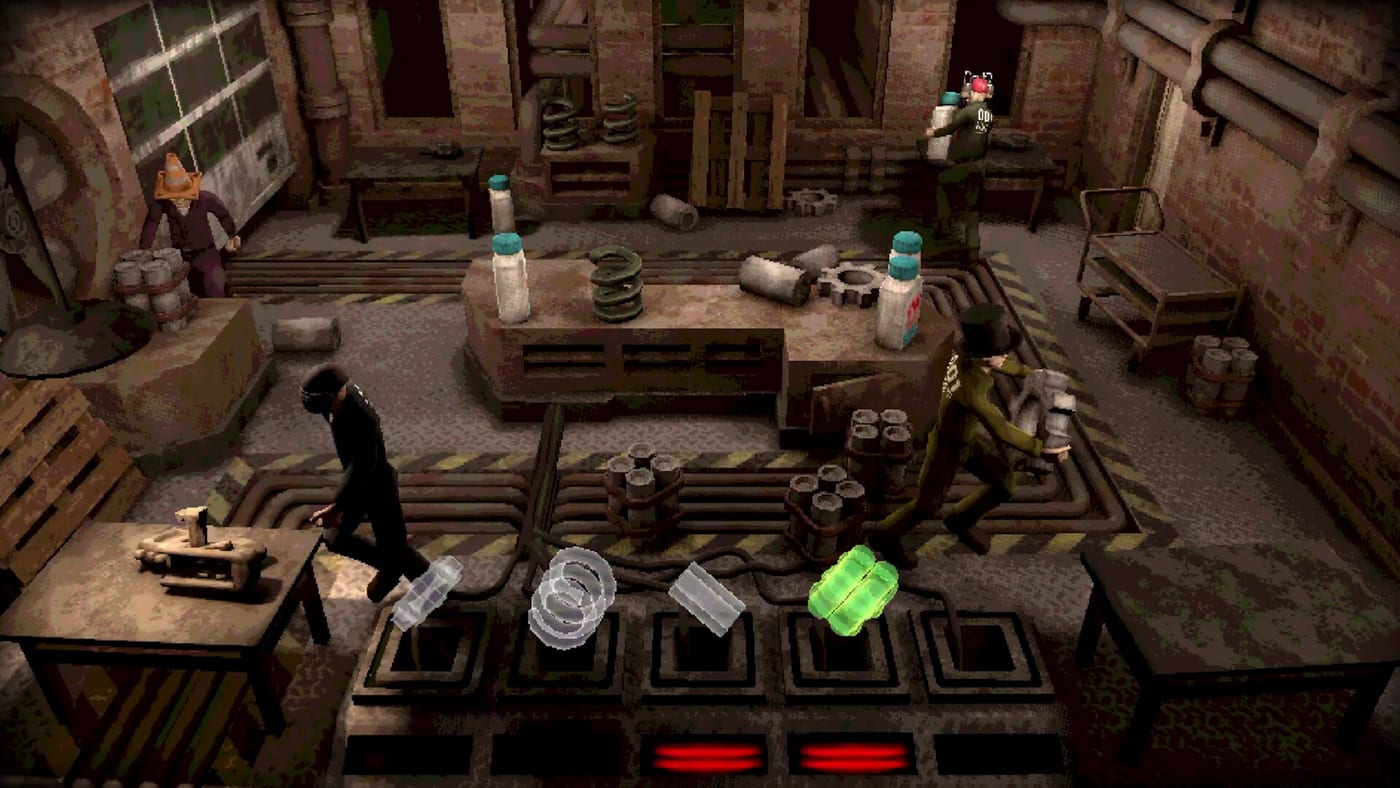
Machine Party launched on July 30, 2026 with online co-op for two to four players and a clear promise: native local / couch co-op arrives in a late August 2026 update. Until that patch, one-TV households still have a bridge — Steam Remote Play Together. This page explains when Remote Play helps, when it hurts, and how to keep lethal minigames playable on shared screens.
Authoritative roadmap details sit on local co-op. Standard online invites still live on lobby setup.
What Remote Play Together is (and is not)
Remote Play Together lets friends join your running Steam game session from their devices, streaming your PC’s output and sending their inputs back. It is a Valve streaming feature, not a Machine Party-specific couch mode. Controllers can often be mixed, but you are still dependent on the host’s hardware, upload bandwidth, and Steam’s streaming quality.
It is not:
- The same as split-screen local co-op (which is what late August aims to deliver).
- A substitute for owning the game on every account in all cases — Steam’s sharing and Remote Play rules still apply; verify live Steam documentation for guest invite behavior.
- Guaranteed low latency for sniper dodge and firearm assembly.
When to use it
Good fits
- One powerful PC in the living room, friends on laptops or Steam Decks elsewhere in the house or online.
- Groups who refuse four Steam installs tonight but still want to sample the facility.
- Casual pea-eating and shape-match nights where a little input lag is survivable.
Poor fits
- Competitive hazard routes where audio telegraphs and frame timing decide gene mutation points.
- Four simultaneous stream clients on weak upload.
- Households that simply need four controllers on one TV without streaming — wait for native local co-op instead of forcing Remote Play pain.
Setup checklist
- Host owns Machine Party on Steam and meets system requirements.
- Enable Remote Play in Steam → Settings → Remote Play.
- Launch Machine Party, open the Steam overlay, and invite friends via Remote Play Together.
- Confirm each guest’s controller or keyboard is recognized before the first lethal round.
- Use wired Ethernet on the host when possible; Wi-Fi hosts should sit near the router.
- Keep Discord or Steam voice separate so streaming audio does not drown facility telegraphs.
If invites fail, fall back to normal online co-op with how to invite friends so you still play tonight.
Latency and minigame families
| Family | Remote Play comfort |
|---|---|
| Social races (peas, cigarettes) | Usually fine |
| Shape match / rock chisel | Mixed — precision suffers |
| Train / minefield | Risky when doors and tiles need instant commits |
| Sniper / buzz-saw / assembly | Worst case — prefer native online or wait for local co-op |
Host a Remote Play night with the minigame picker biased toward forgiving modes. Save tryhard playlists for true online lobbies or post-August couch play.
Family Sharing note
Steam lists Family Sharing for Machine Party. Sharing can help a household access the library, but unlock rules for achievements and Remote Play guest rights still follow Steam policy — do not assume shared progress or shared simultaneous play without checking the client prompts.
Controllers on the couch
Full controller support means pads are first-class once they reach the game. On Remote Play, map guest pads through Steam Input and test sprint / interact before minefield rounds. Binding reference: controls and controller.
Mixed local-and-remote groups should agree who sits at the host PC. The person with the physical display usually reads telegraphs fastest; stream guests should get simpler roles in asymmetric sniper rounds.
Privacy, mature content, and streaming
Machine Party fail states are gory. Remote Play still shows that gore on every connected screen. Warn guests, keep headphones for audio cues, and remember that streaming to friends is not the same as broadcasting on Twitch — but household viewers may still walk in mid-blender joke.
Migration plan for late August
When Oro Interactive ships native local co-op:
- Re-read local co-op and launch notes.
- Retire Remote Play as the default living-room path unless someone is still remote.
- Re-test four-controller party sizes on one screen.
- Keep online invites for friends who never visit in person.
Until that update, Remote Play is a bridge, not the destination. Use it to keep one-PC parties alive, then switch to the real couch feature when Steam news confirms it.
Related pages
Remote Play Together will not make Machine Party a perfect couch game before August — but it can keep the facility open for friend groups who refuse to wait in silence.
Frequently Asked Questions
Quick answers to the most common questions.
Can I play Machine Party on one PC with friends before local co-op?
You can try Steam Remote Play Together as a workaround. It streams the host game to guests; it is not the same as native split-screen local co-op planned for late August 2026.
Is Remote Play better than online co-op?
Usually no. Online co-op with each player on their own machine has cleaner input. Use Remote Play when you specifically need one host PC to drive multiple people.
Which minigames feel worst on Remote Play?
Sniper dodge, buzz-saw rooms, firearm assembly, and tight minefield commits suffer most from stream latency.
Does Machine Party support Family Sharing?
Steam lists Family Sharing for the title. Check Steam's sharing prompts for simultaneous play and achievement rules before relying on it.
When should I stop using Remote Play?
When the late August local co-op update ships and your group can play on one screen with native multi-controller support — see [local co-op](/multiplayer/local-coop/).