Machine Party Controller Support and Layouts
Full gamepad support on Steam for every minigame, plus Steam Input and couch multiplayer tips.
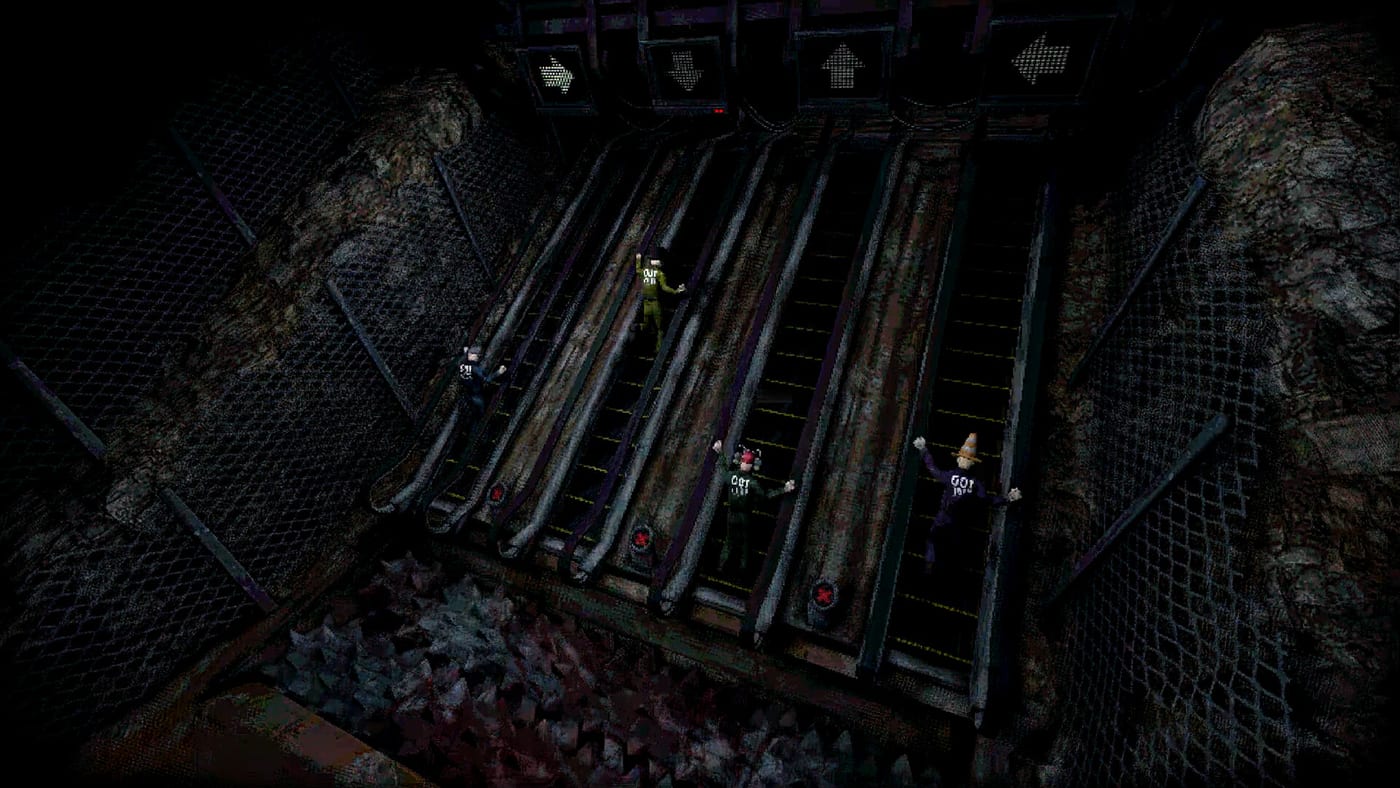
Steam lists full controller support for Machine Party, meaning menus and all fifteen minigames accept gamepad input without keyboard fallbacks. That confirmation matters for couch sessions, Steam Deck experiments, and mixed lobbies where some players prefer sticks while others use mouse. Mike Klubnika’s PC-first history does not limit pad parity here — Oro Interactive and GDeavid targeted living-room party play alongside online co-op.
Use this guide with keyboard controls, the controls hub, and multiplayer setup when hosting four-player pad-only nights.
Supported controllers at launch
Machine Party follows standard XInput-style layouts on Windows 11 and Linux:
- Xbox Wireless Controller (USB and Bluetooth)
- PlayStation DualSense and DualShock 4 (Steam Input wraps legacy APIs)
- Nintendo Switch Pro Controller via Steam Input
- Generic DirectInput pads through Steam’s compatibility layer
Steam Input profiles can remap any button, but launch defaults mirror Xbox labeling below even on PlayStation hardware.
Default gamepad layout
| Action | Xbox labeling | PlayStation equivalent |
|---|---|---|
| Move | Left stick | Left stick |
| Camera | Right stick | Right stick |
| Interact | A | Cross |
| Sprint | L3 (stick click) | L3 |
| Jump / vault | X | Square |
| Pause | Menu | Options |
| Score / ready | Y | Triangle |
Shoulder buttons (LB/RB) may rotate camera or cycle targets in precision modes; verify in Settings after major patches.
Why full support changes minigame balance
Analog sticks introduce slight drift if deadzones are miscalibrated — deadly on minefield routes where one stray step detonates tiles. Run Steam’s controller calibration before ranked sessions. Digital keyboard strafing can feel sharper for sniper dodge; pads win on steamroller and escalator sprint where analog sprint feathering saves distance.
Mixed lobbies should rotate mode types using the tier list so one input type never dominates every round.
Steam Input and per-minigame profiles
Steam Input allows:
- Gyro aiming for sniper modes (experimental; may be disallowed in friendly rules).
- Back paddles for interact to keep thumbs on sticks during firearm assembly.
- Action sets swapping layouts between menu and gameplay automatically.
Export profiles to friends when hosting tournament nights so everyone’s interact button matches.
Couch co-op and local play
Machine Party emphasizes online co-op for two to four players on Steam. True same-screen couch play depends on whether launch builds assign multiple local pads to separate test subjects in one client — check getting started for day-one verification. Even when everyone plays online from the same couch, full pad support keeps four players off one keyboard.
Assign each player a distinct customization silhouette so sniper modes remain readable when bodies pile up.
Steam Deck and handheld notes
Pre-launch Steam Deck ratings were incomplete, but Linux native builds and modest spec requirements (8 GB RAM, GTX 1660 class GPU on desktop) suggest handheld play is feasible. Lower in-game effects if frame time dips — reflex challenges become unfair when frame rate stutters. External Bluetooth pads reduce cramp during long achievement marathons.
Mode-specific controller advice
Reflex modes
Keep sprint on L3 if your pad supports reliable clicks; otherwise map sprint to RB. Buzz-saw rooms need quick 360s — raise right-stick sensitivity slightly above precision modes.
Precision modes
Lower sensitivity for shape match and rock chiseling. Use interact on RB so A/Cross stays free for confirm chains in firearm assembly race.
Social modes
Pea eating and cigarette races mash interact rhythmically — consider mechanical face buttons or keyboard players for those rounds if your group agrees.
Troubleshooting
| Issue | Fix |
|---|---|
| Pad not detected | Enable Steam Input in game properties; launch Steam before the exe on Linux |
| Double inputs | Disable duplicate device entries in Steam controller settings |
| Drift on minefield | Increase deadzone; recalibrate sticks |
| Wrong button prompts | Switch Steam Input template to Xbox or PlayStation glyph set |
Report persistent bugs through Steam discussions; note Vulkan driver versions on Linux when posting.
Competitive fairness
Tournament hosts should declare allowed devices — some groups ban gyro or keyboard/mouse hybrids. Document rules alongside multiplayer ping requirements so disputes stay about skill, not hardware.
Related resources
- Keyboard and mouse — PC defaults for mixed lobbies.
- All minigames — roster tying controls to each mode.
- Minigames hub — category breakdowns for playlist building.
- Guides — install, updates, and first-session checklist.
Frequently Asked Questions
Quick answers to the most common questions.
Does Machine Party have full controller support on Steam?
Yes. Steam's store features list full controller support for the entire game, including all fifteen minigames and menus.
Can four players use controllers in one lobby?
Online co-op supports two to four players, each with their own Steam account and controller. Same-room couch setups depend on how many pads your PC detects — verify in a private lobby.
Is Machine Party playable on Steam Deck?
Official Deck verification was pending at launch, but native Linux and modest requirements suggest handheld play works with settings tweaks. Watch guides for post-launch Deck reports.
Which controller layout is best for firearm assembly?
Map interact to a shoulder button so you never release the movement stick while grabbing parts. Keep sprint on L3 for quick bench repositioning.