Machine Party Tools
Interactive party planner and minigame picker for your next facility session
Party night planner
Pick player count, session length, and focus before you invite friends.
Random minigame picker
Can't decide what friends should practise? Roll one challenge type.
- Firearm Factory
- Duck Hunt
- Tunnel Hazard
- Spinebreaker
- Debris Platforms
- The Filter
- Stable Footing
- Wrong Way
- Table Manners
- Inside Job
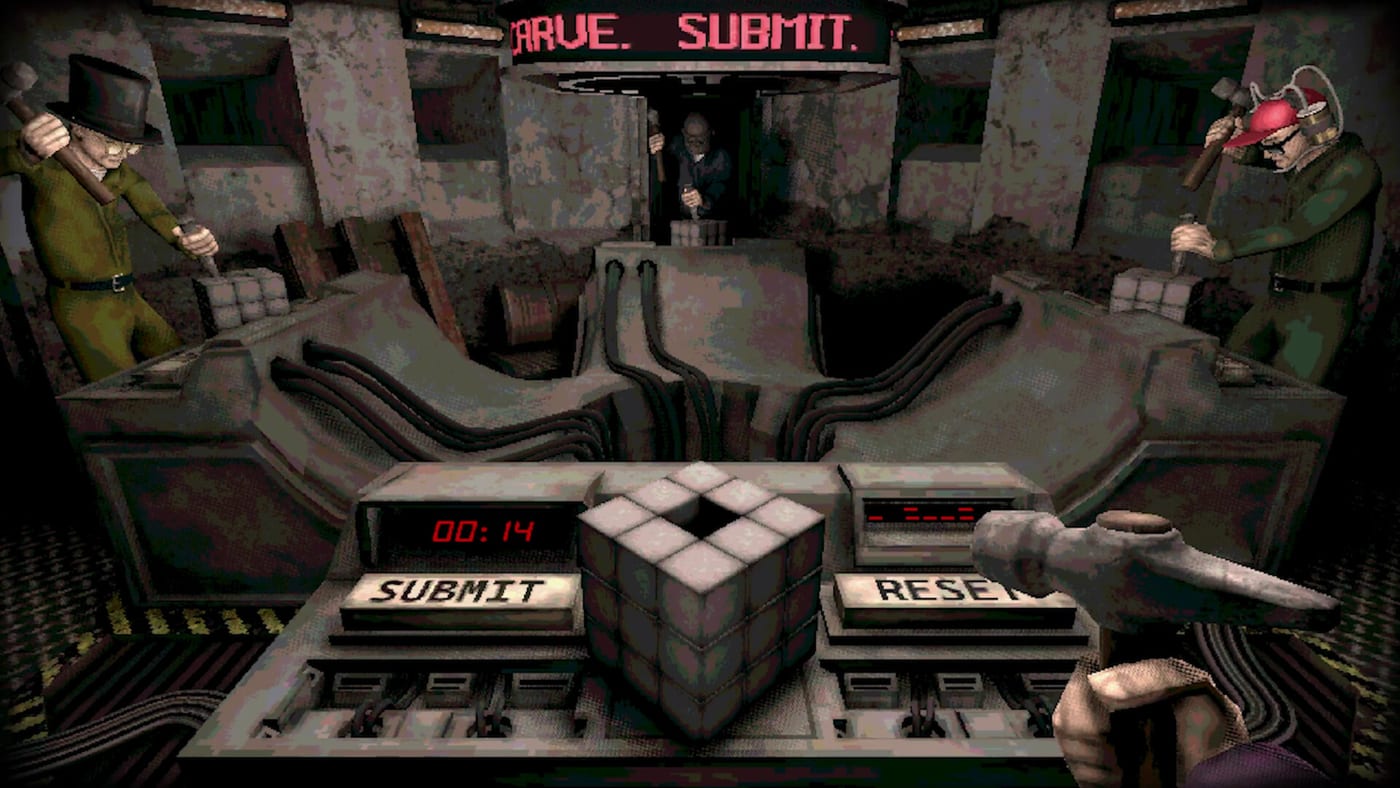
- Chisel Gauntlet
- Minefield
- Forklift Certified
- Lethal Rebound
- Smoking Contest
Planning a Machine Party night is harder than it looks: fifteen lethal minigames, wildly different skill floors, and a friend group that always votes for the mode they just lost. The tools hub hosts interactive widgets that turn arguments into a quick plan — spin up a random round, draft a multi-game playlist, and align the session with our tier lists before anyone opens Steam.
Both tools run in your browser on this wiki. No install, no login, and no spoilers beyond what trailers and the review hub already show. Use them alongside multiplayer lobby setup and party size guidance so the host spends less time clicking menus and more time listening to friends panic.
Available tools
Party planner
The party planner widget lets you draft a ordered list of minigames for a full session. Filter by perceived difficulty using our difficulty tiers, bias toward chaos for clip-hunting nights using the chaos list, and export a shareable plan to your group chat. It is ideal for onboarding nights where you do not want to dump newcomers straight into maximum sabotage.
Minigame picker
The minigame picker widget randomizes a single round when your lobby cannot agree. Lock out modes your party already played, respect player count from the party sizes guide, and re-roll until someone accepts their fate. Pair random picks with achievement goals — for example, chase rounds that might relate to names like Quick draw! or Catch this! without inventing hidden unlock steps.
When to use tools vs. in-game rotation
Machine Party already cycles minigames quickly with minimal downtime, which is great for chaos but bad for structured tournaments. Use these tools when you want:
- A themed night (only dexterity modes, only sabotage-heavy picks from chaos tiers)
- Fair rematches after a disputed elimination
- Stream segments with predictable pacing
- Practice lobbies tied to system requirements testing on weaker hardware
Skip the tools when your group prefers pure RNG and short sessions — jump straight into Steam matchmaking using lobby setup alone.
Tool tips for hosts
Confirm party size before planning. Duos behave differently from four-player lobbies in modes that scale interference — details on party sizes. Ask everyone to finalize test subject customization so clips are readable. After major patches on the updates hub, refresh your planned list in case minigame names or availability change.
Related resources
- Party planner tool — session builder widget
- Minigame picker tool — random round selector
- Tier list hub — difficulty and chaos rankings
- Multiplayer hub — online co-op basics
- Review hub — feature overview and tone check
Frequently Asked Questions
Quick answers to the most common questions.
Do the tools require an account?
No. The party planner and minigame picker widgets run locally in the page. Share results manually with your lobby.
Are minigame names complete?
Lists mirror publicly shown modes and wiki tier coverage. Unknown or unreleased names may be added after [updates](/updates/) confirm them.
Can I plan achievements with these tools?
You can tag known achievement-related modes, but always verify unlock text on Steam or in-game — see the [achievements page](/achievements/).
Do tools replace in-game matchmaking?
No. They plan what you queue privately with friends after [lobby setup](/multiplayer/lobby-setup/); Steam still hosts the actual session.