Machine Party Lobby Setup Guide
Host with room codes, ready up, and keep lethal minigame nights moving
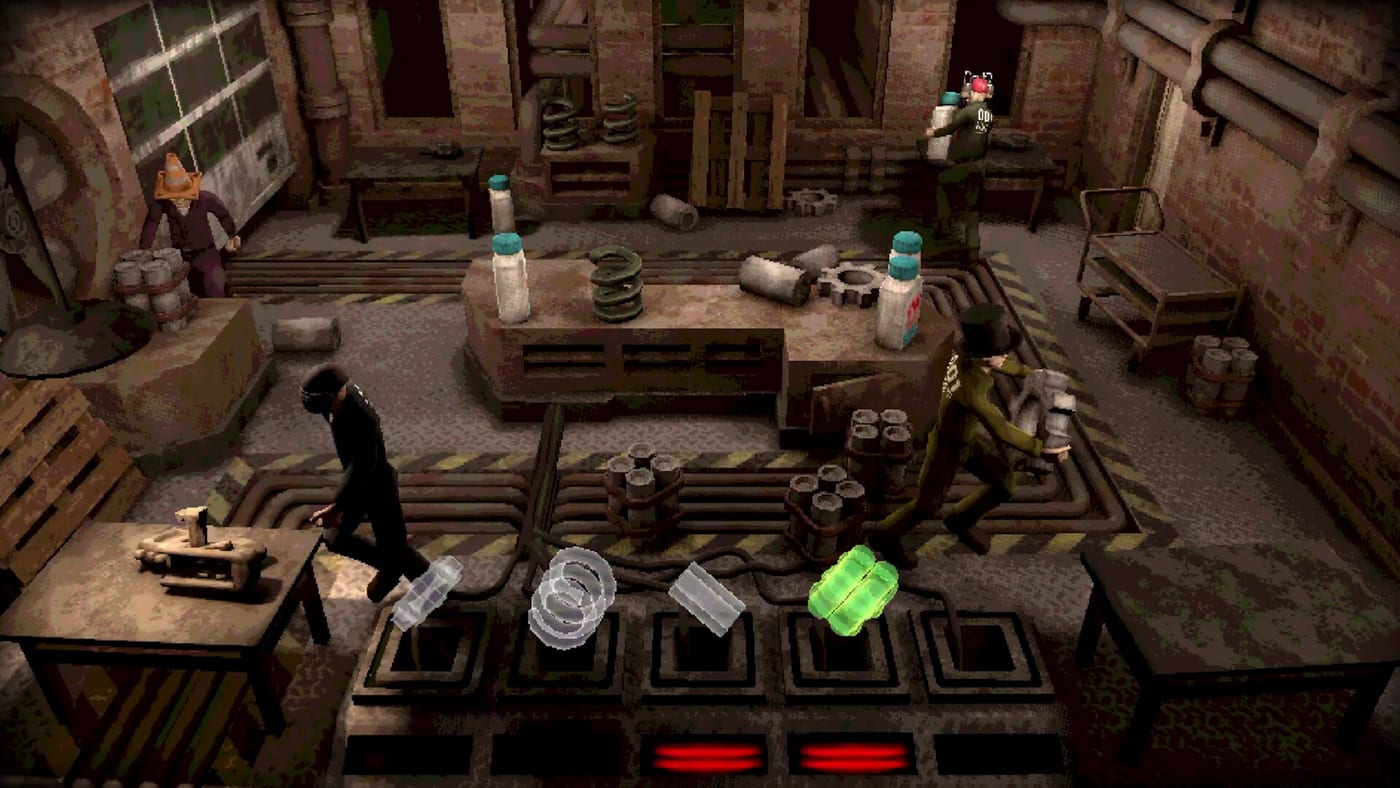
Machine Party multiplayer runs through private online co-op for two to four players. There is no public matchmaking, no lobby browser, and no AI bots to fill empty seats — every session starts when a host creates a lobby and shares an 18-digit room code (or a Steam invite that carries the same connection). If your group treats this like a matchmaking party game, you will stare at empty menus wondering where the randoms are. This guide walks through the actual launch-week flow, then points to party sizes, troubleshooting, and planning tools so facility nights start on time.
Before anyone joins, confirm each player meets system requirements — Windows 11 or Linux with Vulkan, 8 GB RAM, and GPU classes around RX 6500 XT or GTX 1660. Latency spikes hurt Duck Hunt and Wrong Way more than raw frame rate drops. Anyone booting to a black screen should apply --rendering-driver d3d12 in Steam launch options first — details on troubleshooting.
Step 1 — Own the game on Steam
Every participant needs Machine Party (app 4108000) in their Steam library or via Family Sharing where permitted. Mixed-version lobbies fail silently or desync — the host should announce when an update such as v1.0.7 drops and pause until everyone patches.
Step 2 — Choose the host
Pick the player with the most stable wired connection and a habit of showing up on time. The host creates the lobby, displays the room code, starts the fifteen-minigame playlist (or a custom rotation), and controls rematch votes. If the host disconnects mid-session, expect to reform the lobby — there is no rejoin-after-crash support at launch.
Step 3 — Create a lobby and share the room code
Launch Machine Party → open multiplayer → Host Session. The lobby screen generates an 18-digit room code. Copy the full string and send it through Discord, Steam chat, or voice — partial codes fail.
Guests open Join Session, paste the code, and connect. Steam overlay invites still work: Shift+Tab → Friends → Invite to Game while your hosted lobby is open. Invites attach guests directly when networking cooperates; if someone lands in the main menu instead, have them paste the room code manually.
Steam Deck / SteamOS note: gaming mode reports broken copy-paste for room IDs with no manual entry field. Deck players may need desktop mode or a Steam invite until Oro Interactive patches visible codes — see Steam Deck & Linux.
Step 4 — Finding players without a full friend group
Because there is no matchmaking, incomplete rosters rely on community workarounds:
- Steam Discussions LFG threads — search the Machine Party community hub for “join up” posts sharing live room codes. Codes expire quickly; refresh often.
- Community Discord servers — several appeared launch week; find current invites through Steam discussion posts (we do not hard-link rot-prone URLs here).
- Your existing voice server — coordinate codes there, then paste into the client.
Anyone with the code can join your lobby — treat stranger sessions like open doors. For invite etiquette with friends, read How to Invite Friends.
Step 5 — Configure input
Machine Party ships with full controller support. Mixed keyboard and controller lobbies work, but agree beforehand — precision modes on the difficulty tier list assume responsive analog movement. Test buttons during a low-stakes minigame before jumping into chaos-tier picks.
Step 6 — Voice chat
The game includes no in-game voice or text chat. Create a Discord or Steam voice channel, push-to-talk if echo is bad, and keep call active through eliminations. Sabotage in Debris Platforms and Inside Job lands harder when victims hear the betrayal live.
Step 7 — Customize test subjects
Open customization before readying up — see test subject guide. Distinct outfits prevent “who shoved me” arguments when four silhouettes stack on Wrong Way’s escalator lanes.
Step 8 — Ready check and start
Host confirms all players appear in the slot list (two minimum, four maximum), then launches the session. First-time groups should verbal-count ready even if the UI shows green checks. The default full playlist runs fifteen minigames in fixed order — roughly 50–60 minutes — unless the host selects custom settings.
Between minigames
Machine Party advertises minimal downtime. Still, use gaps to:
- Hydrate and mute if needed
- Adjust party planner queue if a mode felt unfair
- Note achievement pop-ups for the achievements page checklist
- Swap host only if connection issues appear — generate a fresh room code after crashes
If arguments erupt, spin the minigame picker to depersonalize the next pick.
Troubleshooting
Cannot join friend / join timeout — Verify same patch, disable VPN, restart Steam, copy the full 18-digit code, try reversing host and guest. No documented fix yet for persistent timeouts — report via the official Steam form linked from troubleshooting.
Black screen at boot — Add --rendering-driver d3d12 to Steam launch options; try opengl3 if needed.
Controller not detected — Test in Steam Big Picture input settings, then relaunch.
Linux player dropped — Confirm Vulkan drivers; see system requirements.
Crashed mid-run — No rejoin exists. Re-host with a new room code and restart the playlist or accept sitting out.
Etiquette for lethal parties
Machine Party is violent party comedy, not ranked esports — unless your group makes it one. Agree on quit rules: rage-quitting after one gory elimination kills the night. Use review tone as the baseline for whether dark humor fits everyone present.
Related guides
- Multiplayer hub — overview and no-matchmaking checklist
- Troubleshooting — black screens, Deck paste, join timeouts
- Party sizes — duos vs trios vs fours
- How to invite friends — room codes and Steam invites
- Tools hub — planner and picker widgets
- Updates hub — patch-day lobby changes including Patch 1.0.7
Frequently Asked Questions
Quick answers to the most common questions.
Can I play with randoms?
There is no in-game matchmaking or lobby browser. Join strangers only by pasting their 18-digit room code from Steam Discussions LFG threads or community Discords — see [troubleshooting](/guides/troubleshooting/) for how players find groups.
How do Machine Party room codes work?
The host generates an 18-digit code in the lobby screen. Guests choose Join Session and paste the full code. Steam invites can attach directly when networking works.
Does Steam Remote Play Together work?
Not officially documented at launch. Assume native online co-op with room codes unless Oro Interactive adds Remote Play notes in a patch.
How do I reduce queue downtime?
Pre-plan rotations with [party planner](/tools/party-planner/) and pick shorter chaos modes from [chaos tier list](/tier-list/chaos/) when time is limited.
What if join keeps timing out?
Confirm matching game versions, restart Steam, try a new host, and disable VPN. Persistent timeouts should be reported via the official form on [troubleshooting](/guides/troubleshooting/).